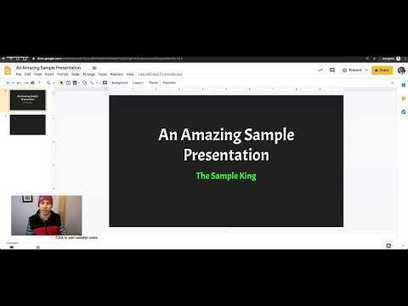
If you're part of a team producing live meeting or conferences, chances are you'd like to record speakers' presentations and make them available on the web. Fortunately, this is easy and relatively inexpensive today, thanks to open source software and readily available hardware. Part 1 of this series on recording live presentations covered the equipment you need. Now it's time to prepare your software to capture video, and part 3 will explain how to record a presentation and troubleshoot anything that goes wrong.
This project uses two cross-platform, free and open source software packages: Open Broadcaster Software (OBS) presentation capture software, which is used to do live recordings, and Inkscape vector graphics editor software, which is used to create a mask for OBS with information about the talk, logo, background, and transparent areas for the video inputs. Download and install both from their respective websites or repositories/packet managers.
Via Edumorfosis, juandoming


 Your new post is loading...