


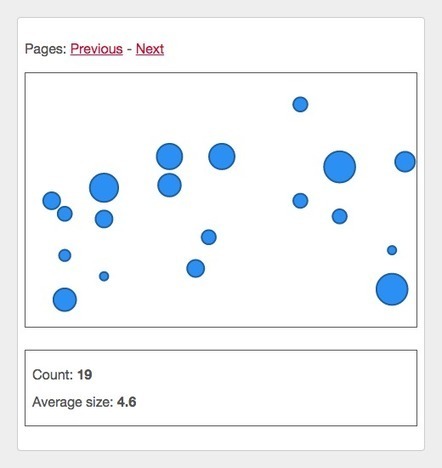

A small example exploring how to integrate D3.js data visualizations into a React app.
I think that using React and D3.js together makes sense because they share a common philosophy of "give me a set of data, tell me how it should be rendered, and I'll figure out which parts of the DOM to update for you". Indeed, React has its virtual DOM diffs, and D3.js has its update selections, making both quite efficient in the business of keeping the UI in sync with data changes.
I find that making D3 components play nice inside a React app becomes easier when you follow these simple guidelines: ...


 Your new post is loading...





















Good idea!
http://www.real-origami.blogspot.com