In modern browsers, JavaScript is rarely the cause of slow applications. There are many layers involved in web applications that are way slower.
The first thing to do is to investigate to find out where the performance issue is coming from. The causes can be multiple:
* Relying too much on the connexion
* Extensive DOM manipulation
* Rendering issues (forced layout...)
* io (e.g. repeated usage of localStorage)
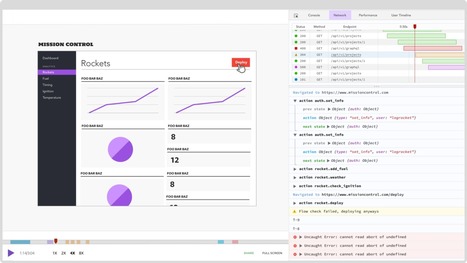
Use the Network tab of your favourite browser's development tool. Make sure your requests don't have any impact on your application at start and run time. Repeated Ajax calls can slow down applications too.
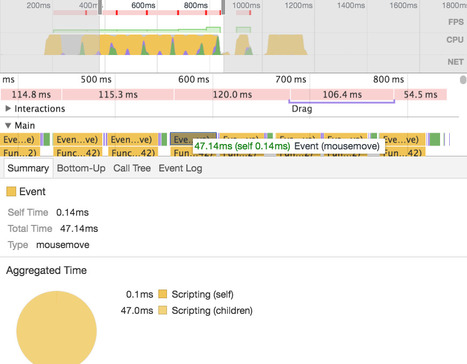
Identifying slow DOM manipulation is a bit harder. The Timeline tab of Chrome's dev tools can help you pinpointing such issues. Of course, you must get familiar with the best practices. For example, when rendering a list of items in a templating engine, move the loop to the template and append all items to the DOM in one operation.
Rendering issues can also be captured by Chrome's dev tools and starting from version 27, Firefox can now log functions that trigger a reflow!
There are a lot of valuable resources on the net about how to track down and fix these issues, so I won't cover them here. Once fixed, your application should work smoother. Not the case with yours? Keep reading then.


 Your new post is loading...