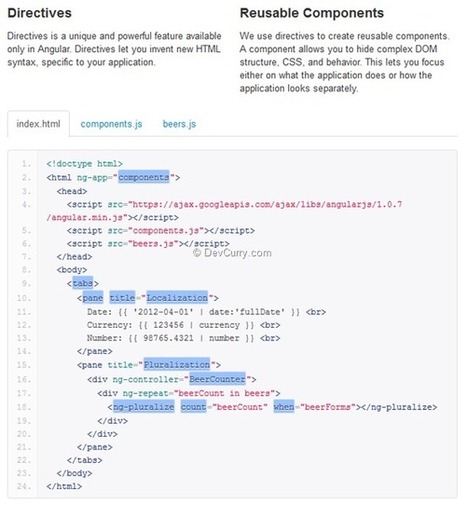

Today we’ll see how to use a feature called Directives in Angular JS. Directives allow you to encapsulate custom behavior in an HTML element, attribute, classes and even comments. For example, the ng-app attribute that we use to define the scope of our Angular App is in fact a Directive, because there are no HTML5 attributes by that name! It’s Angular who interprets the attribute at runtime.
Apart from helping add custom attributes, directives can also be used to create the server side equivalent of ‘tag-libraries’ on the client. Those familiar with WebForms or JSP development will remember you could create server side components with custom Tags like <asp:GridView>…</asp:GridView> where the GridView rendering logic was encapsulated in a server component. Well, Directives allow you build such components, but on the client.


 Your new post is loading...