


Fortunately PowerPoint lets us choose from a variety of charts that you can insert into your slide designs. Moreover, you can copy and paste the charts from Excel or link to the Excel spreadsheet as source so every time you update the chart in Excel it is automatically updated in your presentations. Andrew Abela from Extreme Presentation has created this awesome chart hierarchy that can be helpful to choose a good chart for your presentation
Via FPPT


 Your new post is loading...

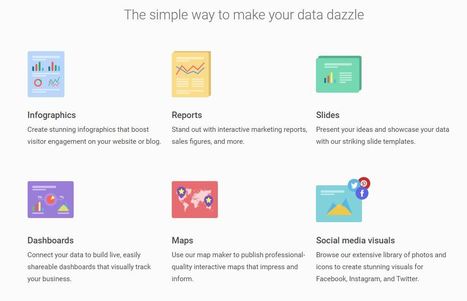






























A great way to share information in your slides.