How to use Cloud based video editing tools...YouTube Video Editor
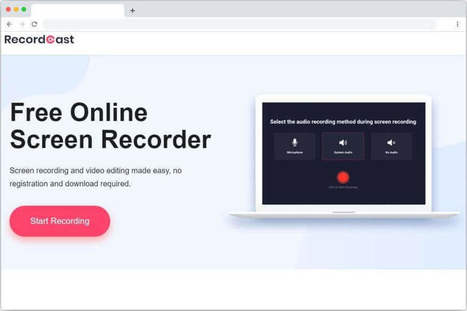
The provision of cloud based video editing solutions means that you no longer have to install resource intensive applications like Premiere Pro. This can help you use only basic screencast or video rendering tools and do the rest online. For example, you can create a video presentation by capturing content of your PowerPoint slides using Best Free Screen Capturer, Camtasia Studio Add-in or Ezvid and do the editing online after uploading your video to YouTube. Once your video has been uploaded you can join videos, remove frames, add music, insert transitions, trim, rotate and stabilize clips, as well as annotate frames using the YouTube Video Editor. If you have some videos on your channel but haven’t use the editing feature yet, then try out this cloud editing utility by YouTube via the link given below.
Via Ileane Smith, Maria Margarida Correia


 Your new post is loading...