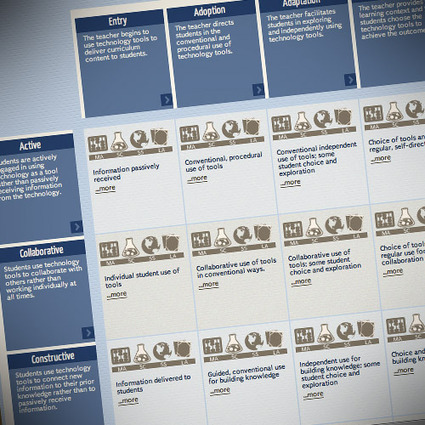
The Media and technology resources for educators site looks really good. With free resources for use in the classroom, for parents and in professional development courses, the site focuses on digital citizenship, ie cyberbullying and related issues, the media’s influence on kids, and other topics. You can select the grade level you are interested in (it’s an American website, but the grades are similar to the UK’s year groups: just add 5 to get the approximate age), then select the topic, and you’re presented with downloadable resources to use.
For example, I looked at a Grade 9 resource on copyright. It consists of several lesson plans, handouts and a video to watch. I’m impressed, and look forward to exploring the site further.
Free videos to answer Frequently Asked Questions regarding SMART Board and SMART Notebook use,
along with PD videos of applications of SMART technology in a variety of instructional settings and for a variety of purposes. Provided by the Teq company. -JL
Edmodo hopes to make the move from "app" to "platform," with the opening today of its API to third-party Web developers.
At launch, Edmodo boasts some 35 partners who have already developed apps for the new platform -- these include Mathalicious, Late Nite Labs, Desmos, BrainNook, Aviary and (30) others. Using the Edmodo API, these companies can now connect their own apps to the Edmodo social network, meaning that they can tap into Edmodo's badge functionality, feeds, assignments, grade book and so on. These apps are integrated with Edmodo, in terms of single sign-on, analytics, and -- and this is key for both Edmodo users and app developers -- roles (that is, who's a teacher, who's a student, what grade is the student, who's a parent, who's a principal and so on).
This is a continuing series on Web2.0 and other web-based tools for educators. This information is specific to math educators, but there is some crossover into science. Math educators will find a large number of useable interactive companion web sites for the teaching of math concepts and skills.
High-school English teacher Nicholas Provenzano in this blog post shares his guidelines for allowing students to follow him on Twitter. For example, Provenzano has an account dedicated solely to communicating with students, sets and communicates standards for students about following them on the site and limits the use of direct-messaging with students.
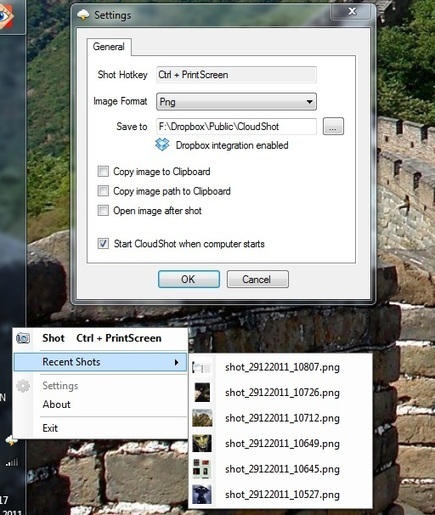
If you're thinking about taking screenshots for a presentation or personal use, you may want to give CloudShot a try. This small utility offers users the ability to take screenshots of a specific screen region or menus, and it works with multiple monitors. Visitors can add text labels to their shots and integrate the program seamlessly with Dropbox. This particular version is compatible with all operating systems.
The recent success of the film 'The Artist' seems to have created a lot of interest in silent black and white movies again. These kinds of movies are great for using with students as the visual aspect makes the context very clear and they show how video can communicate without language and focus students on the non verbal aspects of communication.
Now you can create your own silent movies using the Artistifier and any clip that you can find on YouTube.
There are numerous online resources for teaching students about digital citizenship, from protecting their information online to dealing with cyberbullying. The writer of this blog post highlights free resources available from Common Sense Media, CyberWise and the U.S. Education Department. Such programs are complemented by educators, including Shannon McClintock Miller, who models responsible online use and utilizes social media in her classes.
At the University of St. Thomas in Minnesota, this engineering professor and her team demonstrate that science or engineering lessons can be found in almost anything -- and a sense of play can make those lessons accessible and incite young minds.
I kept in mind that some apps are used to practice a discrete skill or present information just one time. Others are creative apps that a learner may use again and again, so it's a challenge to craft a rubric that can be used for a wide span of purposes. I tried to make my rubric work for the broadest range of apps, from drill and practice to creative endeavors, while stressing the purpose for using the app.
My rubric also emphasizes the ability to customize content or settings and how the app encourages the use of higher order thinking skills. Admittedly, there are good apps that are not customizable and focus on lower order thinking skills. Factor Samurai, for example, is a fantastic game for identifying prime and composite numbers. It would be nice if the app had flexibility to adjust difficultly, but it's still a good app if it is relevant to the learning purpose.
-----
Vincent provides his rubric for download and also a significant number of additional resources devoted to app analysis and evaluation from other individuals and organizations. Great compilation! -JL
The Flipped Classroom is gaining steam in schools across the world. Flipped classes focus on student interaction and engagement in class and a major component is the technology that can be used to create, deliver, and collaborate. Richard has posted on many of these tools, so I’ll be sharing how I use a combination of tools in a typical unit.
Simply type the speech for each slide, instead of recording it, and HelloSlide automagically generates the audio. It gives more exposure to your presentations, making them searchable, editable, and available in 20 different languages.
----
From Terry Friedman
The website Hello Slidesmakes it possible for you to upload a presentation and then add audio. You can also embed the slide show in a web page, or publish a link to it. The quality of the audio is pretty good in that it does not sound entirely robotic. The voice is very English-sounding, though whether that is true outside of the UK I am unable to say.
Unfortunately, any notes that you type in PowerPoint, or the text on the slides, are not automatically converted to audio. You have to add that by typing text into a box, or copying and pasting it from somewhere else. Still, it is pretty good, and I have a feeling I will be using this from now on. You can have up to 50 presentations there free. After that, you pay, for which you get a bigger presentations allowance plus auto-translation plus export to video.
A whole new world of magic animals, brave young princes and evil witches has come to light with the discovery of 500 new fairytales, which were locked away in an archive in Regensburg, Germany for over 150 years. The tales are part of a collection of myths, legends and fairytales, gathered by the local historian Franz Xaver von Schönwerth (1810–1886) in the Bavarian region of Oberpfalz at about the same time as the Grimm brothers were collecting the fairytales that have since charmed adults and children around the world.
Dropbox is a free service that lets users bring photos, documents, videoj and any other electronic files anywhere and then share them easily.
In terms of functionality, everything is very simple and easy to follow. The sign-in fields are logically placed and the main controls for downloading and uploading files appear front and center.
Dropbox offers a great benefit to teachers. The site allows users to upload any content they like, whether it be documents, images or videos. Those files are then instantly available to the user via any other device with Internet connectivity.
Dropbox supports both PC and Mac as well as Android and iOS devices, so users are only as far from all their files as the nearest online device. Users can also share files by granting peers access to their Dropbox account.
Because teachers work on so many different devices in different locations and on different platforms, a site that allows consistent access is a godsend.
One South Carolina school district has created a robotics course for students in two middle schools to help introduce them to pre-engineering skills. "We know nationwide there is a real need for employees to be trained in high-tech manufacturing," said district official Eric Levitt. "We're trying to be very responsive to the business community, so if students choose to go into that field they'll be prepared."
WorldFuturist.net, a Web site for future-focused kids aged 8-18, is seeking submissions in the following categories: future predictions, future scenarios, utopian visions, alternative lifestyles, science fiction, science fiction book reviews, science fiction video game reviews, science fiction movie reviews, science and technology news reports, scifi drawings, and futuristic videos according to the site's creator, FUTURIST magazine blogger and IEET managing director Hank Pellissier.
WorldFuturist.net is also looking for regular contributors aged 13-18 who want to be columnists, critics, and news reporters on topics ranging from Neanderthal studies to black holes.
All material published by WorldFuturist.net will include the author's name, photo, and biography. WorldFuturist.net is sponsored by the California registered non-profit, The Kids' Co-op, Inc. Official launch is April 15, 2012. Directors include Gabriel Rothblatt, Nikki Olson, and Hank Pellissier.
To submit material or make inquiries, contact hankpellissier(at)yahoo.com
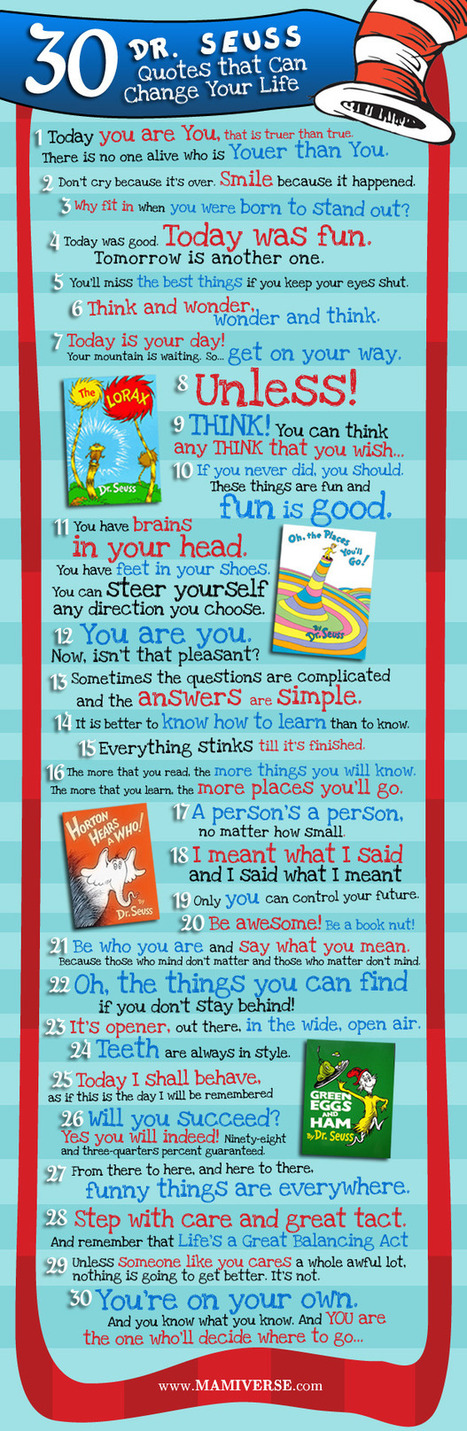
“A person’s a person, no matter how small.” “There is no one alive who is youer than you.” “Oh the places you’ll go!” Who doesn’t remember a Dr. Seuss line from one of his many delightful children’s books? For decades, parents have been reading Theodor “Ted” Geisel—more commonly known to book and rhyming word lovers as Dr. Seuss—to their children. Dr. Seuss, whose birthdate is believed to be March 2, 1904, has touched the lives of millions of children and adults worldwide. Not bad for someone who dropped out of college and whose Dr. title was honorary.
Seuss was his middle name. And for decades, people have been pronouncing his name incorrectly. The correct pronunciation is “Zoice” not “Soose,” according to the author’s official website, Seussville.com.
Under federal privacy laws, historians, genealogists -- all of us, in fact -- must wait 72 years to examine the complete details of each decennial United States Census. That's one reason why excitement is building about the April 2 release of the census of 1940. The '40 census will also provide important story lines emerging from the decade of the Great Depression. And this will be the first time that complete records of a census are released online. Think about it: in the 10 years since the 1930 census was made public (on paper & microfilm), online genealogical research has mushroomed. What can we learn today about America on the eve of WWII, simply by connecting with a laptop or smartphone?
For ideas about the learning potential of this historic release, check out these resources:
Ideally, teaching kids how to think critically becomes an integral part of your approach, no matter what subject you teach. But if you're just getting started, here are some concrete ways you can begin leveraging your students' critical-thinking skills in the classroom and beyond.
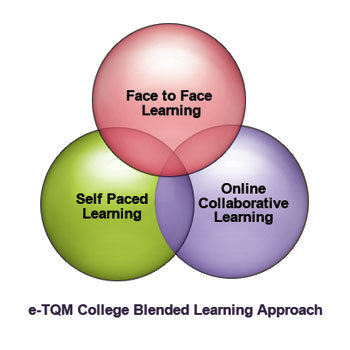
In innovation-friendly pockets across the country, the number of hybrid charter schools—those that blend online and face-to-face instruction—has been growing over the past five years.
But now, the educational model seems to have shifted into overdrive.
Major philanthropies—most notably, the Bill & Melinda Gates Foundation—have launched funding initiatives directed specifically at hybrid school models, which because of their unorthodox ways of allocating resources often are able to operate best as charter schools.
One of the strategies I’ll be writing about is cooperative learning. In the course of my research, I’ve found some pretty good sites that I thought readers might find useful.
I’ve divided them into two sections — one sharing sites that provide research results on its use and the second section with sites offering more practical ideas on how to implement cooperative learning in the classroom.
Here are my choices for The Best Sites For Cooperative Learning Ideas:
I am the library media specialist for my school and part of my job is to assist my faculty with the integration of technology in the curriculum. As such, I am always searching for new ideas to use in collaborating with my classroom teachers. Showcased below are a few of the Web 2.0 tools I have used with classes along with details of specific projects I have helped students to produce.
In this EDtalk Ewan McIntosh from No Tosh talks about the benefits of students directing their own learning - benefits for teachers as well as students. Ewan gives some examples, and believes that over time outcomes from student-directed learning can be tied back to the curriculum. No date given.
To get content containing either thought or leadership enter:
To get content containing both thought and leadership enter:
To get content containing the expression thought leadership enter:
You can enter several keywords and you can refine them whenever you want. Our suggestion engine uses more signals but entering a few keywords here will rapidly give you great content to curate.


 Your new post is loading...