1
Portable setups promise more workspace, but ports decide the outcome
Display expansion succeeds only when cables, docks, power and host devices are treated as a full signal chain.

Smart Workstation Upgrade Intelligence brings the most practical version of the problem. A Microsoft support selection is used to separate display-mode settings from the upstream video path, while ScreenExtendersHub items show how a black screen can come from the cable, the port, power, bandwidth or device policy.
The same topic treats mobile display expansion as a buying-risk issue. The phone and tablet monitor guide starts with device support for video output rather than the cable, and the dock power item warns that advertised Power Delivery can differ from what actually reaches the laptop after peripherals take their share.
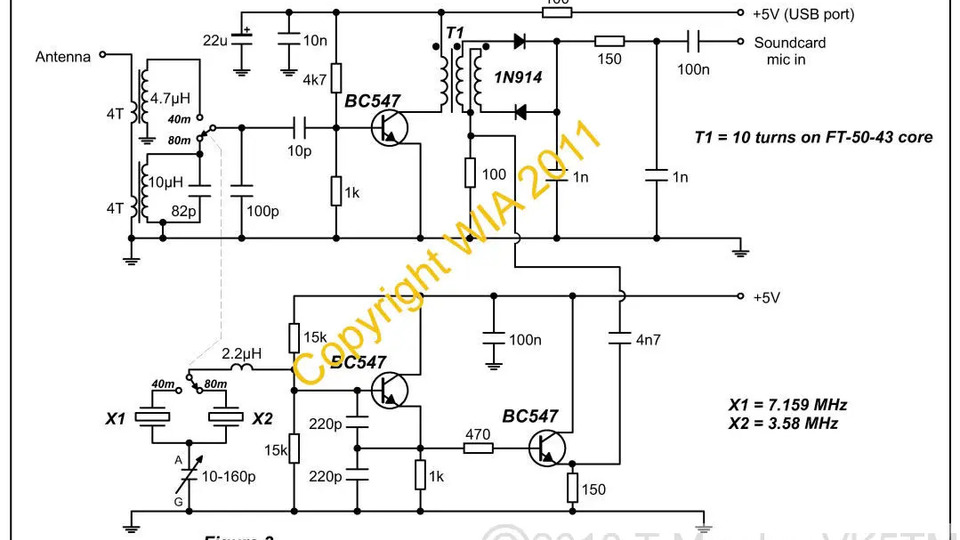
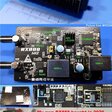
Low cost Software Defined Radio (SDR) Panorama adds the radio-hardware equivalent. HydraSDR is assessed through packaging, clocking, installation and connection details, while Web-888 is framed as a receiver that becomes useful through local network and remote access. In both areas, the connector and host path decide the experience.
The shared lesson is that portable electronics no longer succeed by adding a peripheral. They succeed when the full signal chain is checked before purchase or build.
Further reading
-
-
-
Why a “100W” Dock Can Still Leave Your Laptop Draining
screenextendershub.comSmart Workstation Upgrade Intelligence
-
-