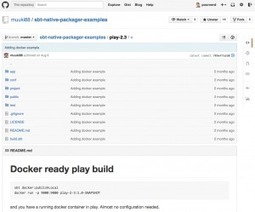
I wrote a shell script to control Play framework applications packaged using built-in command dist. Applications packaged this way are zipped standalone distributions without any need to have Play framework installed on the machine that it’s supposed to run on. Everything needed is inside the package. Inside the zip, in the bin directory, there is an executable shell script named just like your application. You can start your application by running this script. That’s all it does, but I want more. Script setup Download the script from GitHub and make it executable: chmod +x ./dist-play-app-initd Before you run the script, you have to set values of NAME, PORT and APP_DIR variables. NAME – name of the application, must be the same as the name of shell script generated by Play framework to run the app PORT – port number at which the app should run APP_DIR – path to directory where you have unzipped the packaged app Let’s take my side project Jugjane as an example. I ran “play d


 Your new post is loading...