


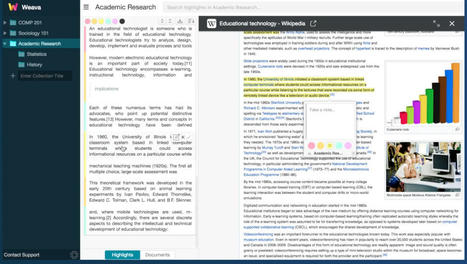
Weava is an excellent tool that allows you to annotate websites and PDFs. Students can easily highlight sections in PDFs and websites and add notes to contextualize and enhance their learning.

 Your new post is loading...
 Your new post is loading...
Your new post is loading...
Current selected tag: 'resource bank'. Clear
 Scoop.it!
Weava is an excellent tool that allows you to annotate websites and PDFs. Students can easily highlight sections in PDFs and websites and add notes to contextualize and enhance their learning. No comment yet.
Sign up to comment
Scoop.it!
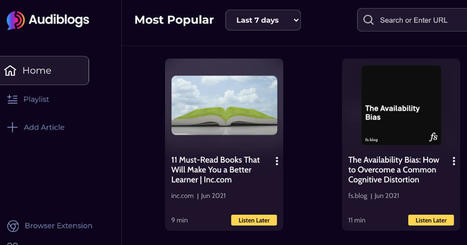
Audiblogs is a good web tool and Chrome extension that turns the content of any web page into an audio podcast that you can listen to in your web browser or using a podcast player. You can use your own podcast player if you have one or use the site's integrated player instead. Audioblogs
Scoop.it!

From
roomkey

Roomkey enables communities to meet inside of private and public virtual 3D rooms to socialize for events, mixers, and meetings. Users can move around the spatialized room and talk with others at private tables just like at a real life event. Via Nik Peachey 
Nik Peachey's curator insight,
June 21, 2021 8:27 AM
This looks like an interesting alternative to Zoom. 
Alexis Tzormpatzakis's curator insight,
June 22, 2021 10:36 AM
Are you bored of Zoom. Try this at home!!!
Scoop.it!
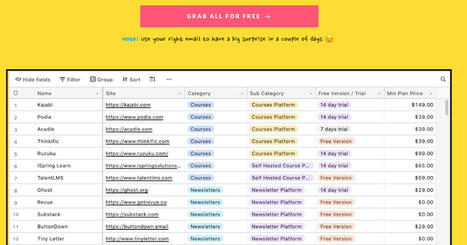
Looking for tools to boost your creativity this summer? WeCreators has you covered. It features a collection of over 250 tools curated specifically to help users in their creative endeavours.
Scoop.it!
In a digitally focused world where we are constantly bombarded with all kinds of distractions, focus becomes a rare currency. In fact, the loss of sustained focus is not due merely to digital distractions but also to the inner nature of the web technologies we are dealing with on a daily basis. For instance, social media websites such as Twitter, Facebook, Instagram, to mention a few, are designed to host and share content that is consumed in very short chunks of time.
Scoop.it!
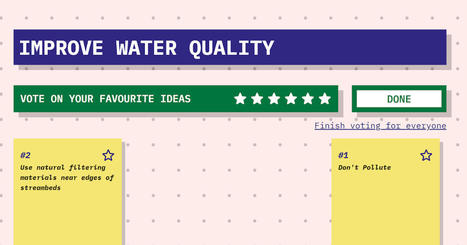
Brainstormer is a new online brainstorming tool that is easy to use and helps solve the "what do we do now?" problem that often arises at the end of group brainstorming sessions. Brainstormer solves that problem by letting members of the brainstorming session vote for their favorite ideas. 
Gabrielle Rooney's curator insight,
May 26, 2021 10:57 PM
Free and simple tools are teacher's best equipment in classrooms.
Scoop.it!

From
blog
Introducing Project Starline, a technology proof of concept that makes you feel like you're together, even when you're apart. Via Nik Peachey
Nik Peachey's curator insight,
May 20, 2021 1:57 AM
The next step in video communication through 3D holographic rendering!
Scoop.it!
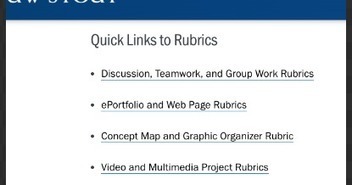
As you strive to enhance your online teaching and optimize your students' learning experiences, rubrics are particularly helpful in this process. They, together with other EdTech resources we covered before, can help you streamline your remote instruction and add educational value to your teaching practice. In this regard, one of the best resources for educational rubrics we have been recommending to teachers and educators over the last few years is University of Wisconsin's professional development section.
Scoop.it!
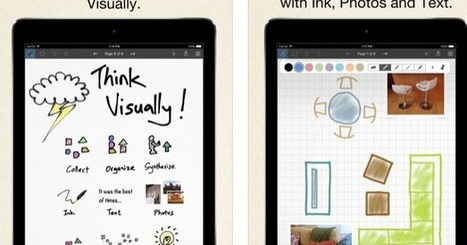
Looking for some good apps to help you with your visual note taking? The list below has you covered. It features what we believe are some of the best options out there. These are apps you can use to record visual notes in different formats including: mind maps, diagrams, flowcharts, handwritten notes, sketches on virtual papers, and many more.
Scoop.it!
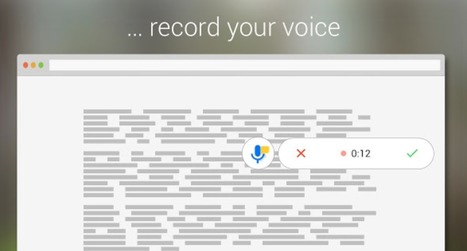
Talk and Comment is a chrome extension that enables you to record voice notes and share them almost anywhere on the web. As a teacher, you may want to install and use it to share audio feedback in the form of voice comments on students work. This is especially helpful if you have a classroom blog or website. Each audio note you create has a generated link that you can easily copy and paste online.
Scoop.it!

Last week Google sent out a notice reminding domain administrators that the end of the classic version of Google Sites is near. That prompted me to publish directions for transition from the classic version of Google Sites to the current version. I also shared a set of tutorials for building your first website with the current version of Google Sites.
Once you've made the switch to the current version of Google Sites, you might want to go beyond the basics to add some interesting features to your site to make it a one-stop shop for all of your students' and parents' needs. Here are some things you can do to enhance your Google Site with additional features. 
Kim Bertrand's curator insight,
January 26, 2025 12:55 PM
This is too cool! This resource shares how you can share projects from Canva to Google Sites. It has different video of each project like posters, art gallery, padlet walls, image carousel and some other things.
Scoop.it!

Like many of my students, I'm often guilty of writing in a rush. Doing that leads to three bad habits that appear in my writing. The first is omitting words that should be in a sentence. The second is repeating words in a sentence when I try to revise a sentence midstream. And the third bad habit is using the same phrases and sentence structures too frequently. To change my habits I'm trying to slow down. I've also enlisted the help of a neat Chrome extension called Wordtune.
Scoop.it!

If you are a tab collector like me and like to have several tabs open simultaneously on your Chrome this little hack will definitely be of great help. I used to (and still do) rely on the services of the popular Chrome extension OneTab to organize and declutter my tabs. |
Scoop.it!
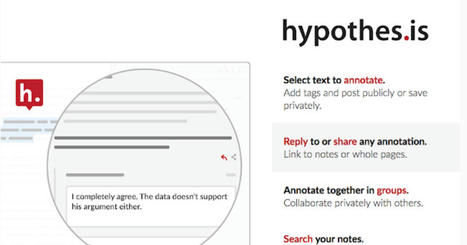
Hypothes.is is a great tool for annotating web pages and PDFs. It is premised on the concept of social annotation allowing students to annotate content collaboratively. Collaborative annotation, as stated by Hypothes.is, "makes reading active, visible, and social, enabling students to engage with their texts, teachers, ideas, and each other in deeper, more meaningful ways."
Scoop.it!

Kami is an excellent PDF and document annotating tool. It offers a wide variety of features that enable students and teachers to engage in interactive and collaborative learning experiences. Students can easily edit and annotate documents, PDFs, images, ebooks, worksheets and many more.
Scoop.it!
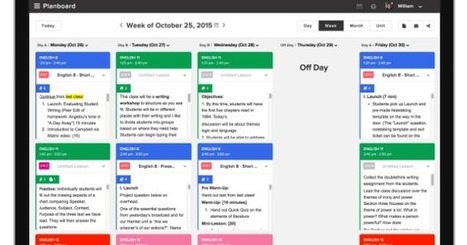
Several platforms provide lesson planning features including Google Classroom and Edmodo, however, if you are looking for easy to use and simple lesson planners , the tools below are great to start with. They will enable you to easily create and manage your lesson plans , add rich media such as text, pictures and video files, collaborate with your peers and many more.
Scoop.it!

Below are platforms that offer digital workspaces where teams come together to collaborate, brainstorm, sketch, draw, and share ideas visually.
Scoop.it!
Hemingway App makes your writing bold and clear. The app highlights lengthy, complex sentences and common errors; if you see a yellow sentence, shorten or split it. If you see a red highlight, your sentence is so dense and complicated that your readers will get lost trying to follow its meandering, splitting logic — try editing this sentence to remove the red. You can utilize a shorter word in place of a purple one. Mouse over them for hints. Adverbs and weakening phrases are helpfully shown in blue. Get rid of them and pick words with force, perhaps. Phrases in green have been marked to show passive voice.
Scoop.it!
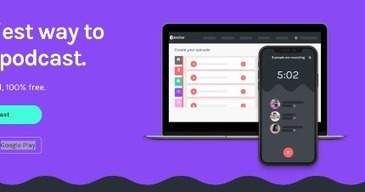
If you are looking for a good and free tool to create educational podcasts, Anchor is definitely one of the options I would recommend. First, Anchor is easy to use: simply log in to your account on the web or install the mobile app (supports both Android and iOS) and start recording using your device-integrated mic or an external one. You can also import recorded audio you have on other apps and use it with your own recordings. 
Emma Di Marco's curator insight,
May 20, 2021 7:24 PM
Podcasting is a great tool for the classroom and a lesson activity that allows students to think (and therefore communicate) about how they make music and why.
Scoop.it!

From
mmm
Websites don't have to be so cookie cutter. Make a website that feels uniquely you in under five minutes. Via Nik Peachey
Nik Peachey's curator insight,
May 14, 2021 8:43 AM
This is a nice drag and drop poster type webpage builder. Very quick and easy to use. Great for showing off project work.
Scoop.it!
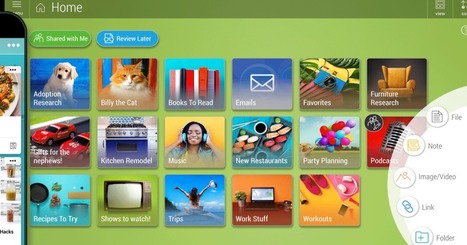
Bublup is a handy platform that allows you to save and organize your digital content in visually attractive ways. Bublup combines the functionalities of a cloud storage site and content bookmarking tools. If you are like and have a special liking to visuals, Bublup's visual layout makes it super easy for you to organize your resources in visual folders. You can save a wide variety of content in the same folder.
Scoop.it!
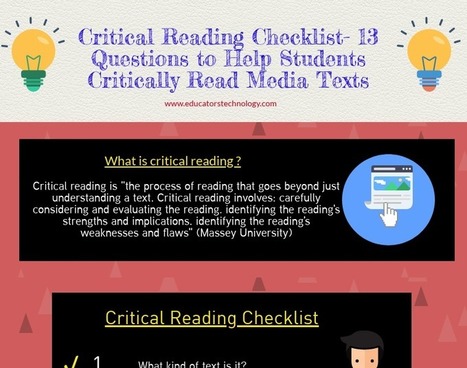
As teachers and educators it behoves us to raise our students critical awareness to this informational dilemma. We need to make sure they are equipped with the required skills to help them navigate and browse the web in a safe and productive way. One way to do this is through enhancing their critical digital search literacy. We have already covered a number of interesting materials in this regard and you can check this resource to discover some practical search tips to share with your students.
Scoop.it!

Semantic Scholar is a good academic search engine that allows you to search millions of scholarly articles for academic content relevant to your research topic. Unlike other search engines, Semantic Scholar combines the power of artificial Intelligence, machine learning, language processing with semantic analytic search enabling users to get more accurate search results.
Scoop.it!

Last week TED-Ed released a new video lesson titled This Tool Will Help You Improve Your Critical Thinking. As I wrote last week, I almost immediately used the lesson in one of my computer science classes. Writing that blog post and using that lesson inspired me to take a look back through my archives for other lessons and resources for teaching and learning about critical thinking. Here's my updated list of resources about critical thinking and logical fallacies.
Scoop.it!

Since they first appeared almost three decades ago voice recognition technologies, also known as speech to text technologies, have come along way in the way they have transformed out interaction with the digital. They have become much more sophisticated with a higher degree of speech recognition accuracy and a wider accessibility to the general public. Their benefits in the field of education are well documented. According to the National Center for Technology Innovation (NCTI), speech to text technologies can tremendously help individuals with severe "learning disabilities including dyslexia and dysgraphia, vision impairments, and limited English language". |





