




In these self-study booklets, teachers will find useful theory and practice for teaching English effectively, including short case studies and professional development activities to do individually and with colleagues.
Via Nik Peachey

 Your new post is loading...
 Your new post is loading...
Your new post is loading...
Current selected tag: 'resource bank'. Clear
 Scoop.it!
In these self-study booklets, teachers will find useful theory and practice for teaching English effectively, including short case studies and professional development activities to do individually and with colleagues. Via Nik Peachey
Scoop.it!
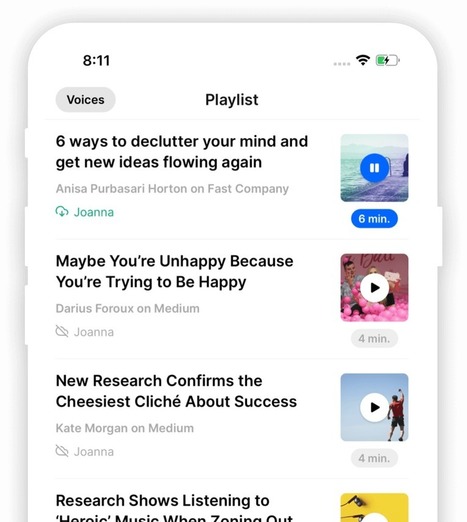
Playpost transforms every article on the web into audio using industry-leading high-quality voices. So you can listen to it just like Podcasts and Audiobooks. Via Nik Peachey 
Marco Bertolini's curator insight,
November 26, 2019 4:23 AM
Playpost; listen to articles in several languages as if they were podcasts. The voice and the reading quality are truely amazing 
Bart van Maanen's curator insight,
November 26, 2019 4:28 AM
Interessante toepassing, helaas niet geschikt voor ons prachtige Nederlands.
Scoop.it!

Scoop.it!
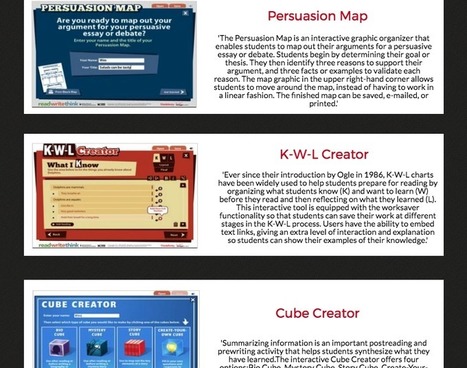
Today we spent sometime going through the featured resources in ReadWriteThing and picked out for you the tools below. These are interactive web tools students can use for a variety of educational purposes including: writing persuasive essays, structuring and organizing ideas for an argumentative debate, using KWL charts to prepare for reading, using Cube Creator to summarize and synthesize what they have learned, creating class newspapers or brochures, and many more. Check them out and share with us your feedback.
Scoop.it!

Twitter chats are a great way for educators to interact with other educators. Interacting with teachers not just at our school widens our access to ideas, resources, and teaching techniques. I have created a spreadsheet to help you moderate or participate in a Twitter chat.
Scoop.it!
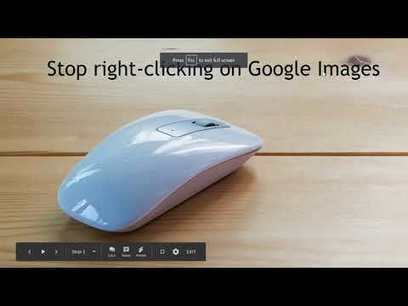
Plagiarism and issues around copyright are topics that I am passionate about. That's why I was happy to see my friends at Common Craft release an updated version of their video explanation of plagiarism. Plagiarism Explained by Common Craft does a good job explaining what plagiarism is and how to avoid unintentionally plagiarizing a work.
Scoop.it!
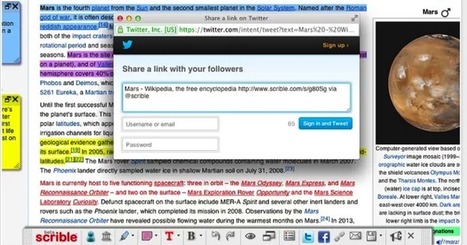
Scrible is a very good productivity tool every research student should have. It provides you with various tools and features that enable you to curate online content, bookmark websites, store files, annotate and share webpages and PDFs. You can use Scrible to annotate content on a webpage or PDF.
Scoop.it!
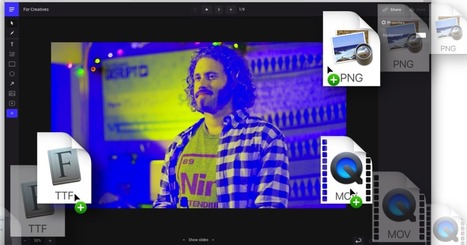
Ludus is an interesting new presentation tool you may want to try out. It provides you with a minimalist interface and an intuitive editor to help you design visually stunning slides. With a single click you can drag and drop different multimedia content to your slides. You can include videos, images, text and many more. You also have access to a number of professional features that include rounded corners, drop shadows, blend modes, color overlay and color picker.
Scoop.it!

However, when it comes to studying and exploring the web for references, speed and a certain degree of accuracy is indeed necessary. There are choices and alternatives to Google. From EAP students searching for academic articles to someone looking for specific lyrics to a favourite song to search engines which are appropriate for younger learners, there is no need to be frustrated when searching. You can even use a search engine which plants trees (more on this further below).
Scoop.it!

November brings academic writing month #AcWriMo as researchers commit to making time to write regularly. MmIT members would like to suggest a range of digital tools and social spaces are used to encourage other writers and share good practice. Many of these have applicability beyond academic writing so we hope that you will find them useful.
Scoop.it!
A few days ago I shared directions for sharing videos through Google Drive. Microsoft's OneDrive has a similar capability that in some ways is actually better than using Google Drive. In OneDrive you can share videos via unique URLs that you can password protect.
Scoop.it!
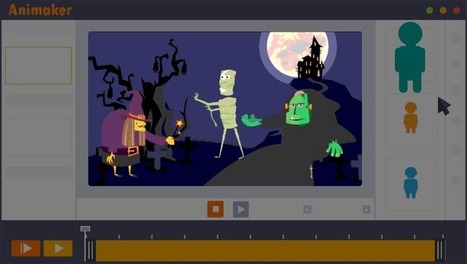
Animaker is an excellent animation video maker that allows you to create engaging video content. As a teacher, you can use Animaker to create tutorials, explainer videos, video presentations, educational step by step guides or video infographics.
Scoop.it!
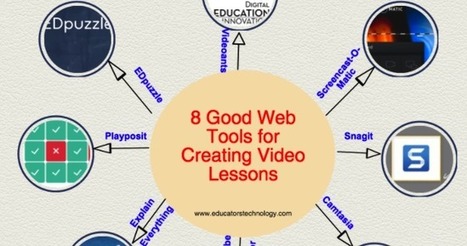
For those of you asking about video lesson tools, below is a collection we published a few months ago featuring some of our favourite tools in this regard. You can use these tools to create instructional videos and tutorials in a simple and easy way without the need for an advanced technology knowledge. All of these tools are web based, no software download is required. |
Scoop.it!

There are many apps to help you record and organize your thoughts on your phone and PC. These are our favorites.
Scoop.it!
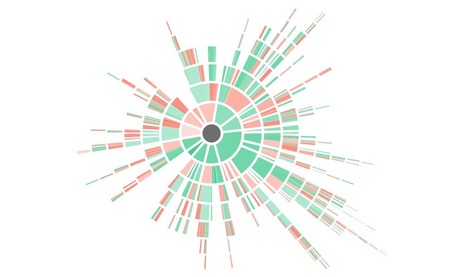
Kialo is a free tool used by educators world-wide to teach critical thinking, facilitate rational classroom debate and explain controversial issues.
Scoop.it!
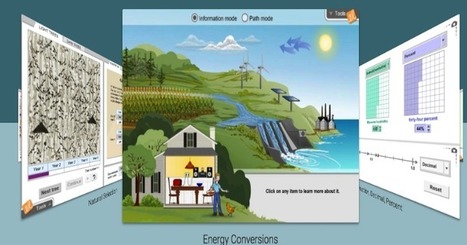
ExploreLearning Gizmos provides over 400 math and science online simulations that power inquiry and understanding. It has a free Gizmos account available for science and math educators with a curated collection of Gizmos that change every January/July
Scoop.it!
The MOOC: Information Literacy Online has been released. The MOOC is available in: English, German, Catalan, Spanish, Croatian and Slovenian. There are six main modules:
Scoop.it!
Last week Google published a new video that explains how Google Search works. The video presents an explanation of the factors that contribute to why some pages rank higher in the results page than others.
Scoop.it!

PDFs are one of the major document formats we deal with in our daily work as teachers and educators. Besides their readability and user friendliness, PDFs, compared to other document formats, has several strengths: they are print friendly and are accepted by major printers, PDFs can be locked so that others can only read and not alter its content, they are ideal for archiving and storage as they can be easily compressed, they can be combined and merged together, and they are also ideal for document exchange between multiple users. In today’s post, we are sharing with you some of our favourite PDF apps to use on your iPad to view, read and annotate PDFs. .
Scoop.it!
Be Internet Awesome is a very good platform that teaches kids the fundamentals of digital citizenship and online safety. This is basically a program developed in collaboration between Google and other safety platforms such as Internet Keep Safe Coalition, ConnectSafely, and Family Online Safety Institute. Be Internet Awesome provides a wide variety of digital citizenship resources for kids, teachers and educators that include lesson plans, guidelines, classroom activities, and several other downloadable materials.
Scoop.it!
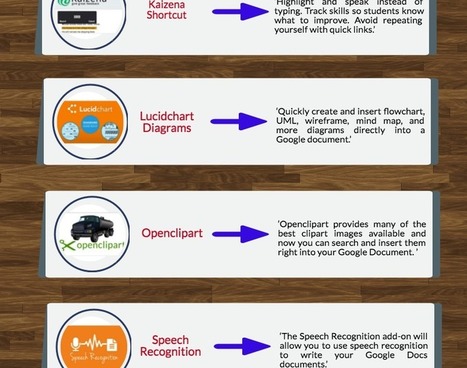
Below is a list of some popular add-ons to use with your Google Docs. The add-ons will empower you with a wide array of functionalities that are not readily available in Docs. Some of these include: integrate various accents into your docs, provide students with audio feedback, create and insert different types of charts and diagrams into your docs, use speech recognition to write your docs, build charts from data in your Google Sheets, and browse a large gallery of professionally designed templates.
Scoop.it!
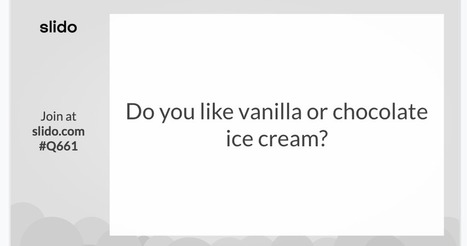
Slido is a polling service that recently released a free Google Slides add-on and companion Chrome extension. The combination of the two tools makes it easy for anyone who uses Google Slides to quickly create and launch polls directly within the Google Slides editor. The thing that I like about Slido is that you can see your students' responses without having to toggle between presentation and editing modes in Google Slides.
Scoop.it!

With thousands upon thousands of videos added to the service every hour, YouTube can be an unwieldy service to parse through for college professors looking for useful and applicable content. With that in mind, we decided to highlight the 10 best YouTube channels for college professors looking for an extra dose of material or inspiration.
Scoop.it!
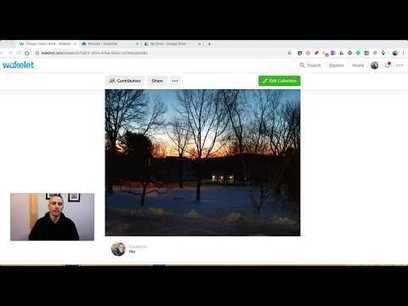
Over the weekend a reader emailed me asking about the possibility of creating folders in Wakelet collections. Wakelet doesn't have a native folders feature. However, it is possible to added folders to Wakelet collections through Google Drive and OneDrive.
Scoop.it!
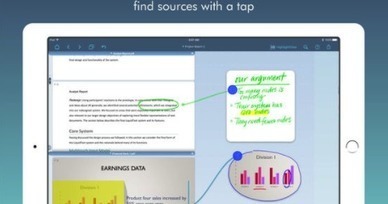
LiquidText is a good app to help you enhance your reading. It provides you with a virtual workspace where you can manage, organize and work on your documents. More specifically, it lets you import documents (compatible with Word, PDF, and PowerPoint) and web pages right into your workspace, you can exact excerpts and key facts from your documents and draw or add your own notes. |







11 really useful PDF guides to different aspects of teaching.