


How do I get my web page content to render with a full-bleed image and a description when users share it on Google+ using a URL?
When sharing certain types of content, you can customize the snippet to enhance the way your content is rendered in a post. Following these instructions, you can add code to your page that enables Google to render your content with full-bleed images and a description as shown in the "full-bleed" example.
Content that does not qualify for this rendering treatment is rendered as shown in the Thumbnail example.
Google+ attempts to render content with full-bleed images and a description for content types Article, Blog, and BlogPosting, and all types that inherit from these, as defined by microdata.


 Your new post is loading...












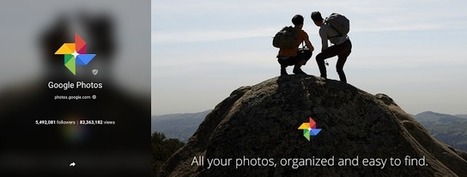






How to get the large thumbnail to show when sharing links on Google+!