


UPDATED:
A tip: How you can see all the posts from your circles in chronological order
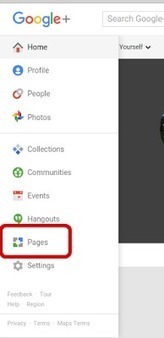
Search Google+ for /
Choose "From your circles"
From the blue bar click to "Most recent"
Now you see everything from your circles. If you refresh the page, it goes back to the default "Everything" and "Best of", so you need to choose your circles and Most recent again.


 Your new post is loading...

















Long article but full of tips and information. Especially for Google+ newbies!